How to write a bug report developers will actually read (template included)
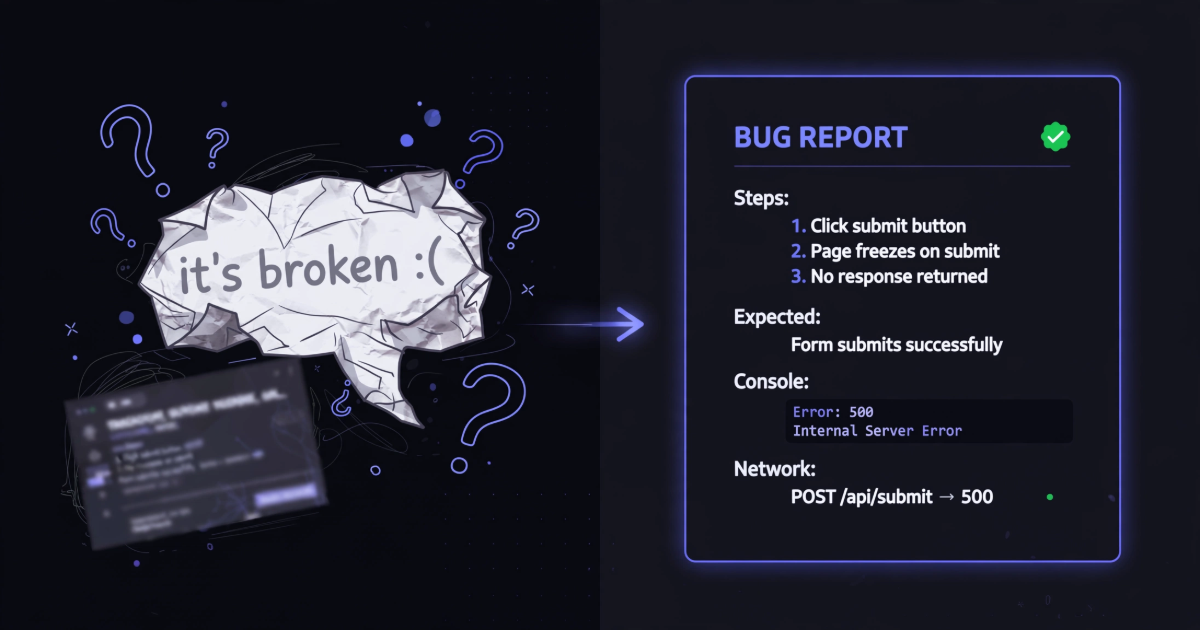
Somewhere right now, a developer is reading a bug report that says "login doesn't work" and quietly moving it to the bottom of the pile. Not because they don't care — because there's nothing in it they can act on. No steps, no error, no environment. Fixing it starts with a round of questions, and the bug sits in limbo until the answers come back.
I've been on both sides of this. I've bounced vague reports back to testers, and I've written a few embarrassing ones myself. The difference between a report that gets fixed today and one that gets fixed next sprint is almost never the severity of the bug. It's whether the developer can reproduce it on the first try.
What actually happens to your report
Here's the part nobody tells reporters: when a developer picks up your ticket, the first thing they do is try to make the bug happen on their machine. If they can, the fix is usually close. If they can't, everything stops. They'll ask you for steps, wait a day for your reply, try again, fail again because your staging account has different data than theirs, and by Friday the ticket has five comments and zero progress.
So the entire job of a bug report is this: get the developer to a reproduced bug in one attempt. Everything below serves that goal.
The template
Copy this, fill it in, delete what you genuinely don't know:
Title: [where] — [what broke] — [error, if you saw one]
  e.g. Checkout — "Place order" does nothing — TypeError in console

Steps (exact, from a known starting point):
1. Log in as a normal user (trial account)
2. Add any item to the cart
3. Apply coupon "SAVE20"
4. Click "Place order"

Expected: order confirmation page
Actual:   nothing visible happens; error appears in console

Console: paste the FULL error text here (not a screenshot of it)
Network: POST /api/orders → 404
Environment: Chrome 138, Windows 11, staging, trial account
How often: every time (3 of 3 tries)
That last line matters more than people think. "Every time, 3 of 3" and "once, can't repeat it" are completely different bugs to a developer — one is a debugging session, the other is a stakeout.
The five details that do the heavy lifting
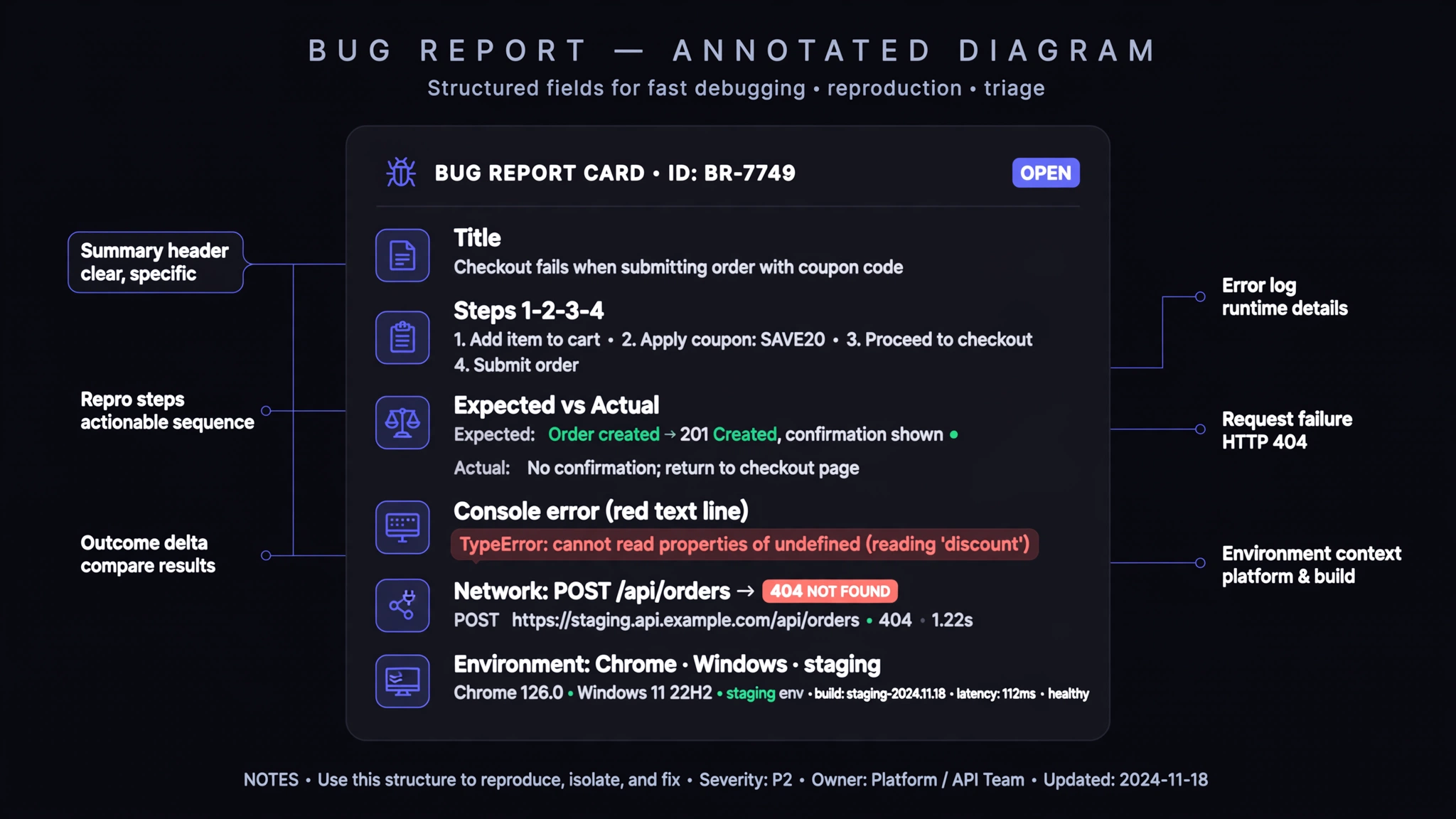
Numbered steps from a known starting point. "Go to checkout" hides ten decisions — logged in as whom, cart containing what, arrived from which page. Start from somewhere the developer can also start from, and number every click. If a step involves typed input, include the exact text; "SAVE20" versus "save20" has been the entire bug more than once.
Expected versus actual. Two short lines. This is the fastest way to expose the bugs that turn out to be misunderstandings — sometimes the answer is "that's intended behavior," and it's much cheaper to learn that in triage than after an hour of code archaeology.
The console error as text. Not a screenshot of the text. A screenshot can't be copied into a code search, gets blurry, and always seems to crop the one line that matters — the stack frame pointing at the file. Right-click the error in the console, copy, paste the whole red block.
The failing request. If the Network tab shows anything red, the method, path, and status code — POST /api/orders → 404 — is often the diagnosis. Half of all "button does nothing" bugs are a request failing silently behind the button.
Environment. Browser and version, OS, which deployment (production? staging?), and what kind of account. Bugs that "only happen for trial users on staging" are described by exactly those words.
The mistakes that get reports bounced
A title like "app broken" or "URGENT!!!" tells the developer nothing and reads as noise. "Sometimes it fails" without a count reads as "I tried once." Three bugs stuffed into one report guarantees two of them get lost when the ticket closes. And writing the report tomorrow from memory produces steps that don't reproduce — if you can't file it now, at least paste the console error somewhere now.
The honest shortcut
Everything above is transcription work: you watching a browser and writing down what it did. Humans are slow and unreliable at this, which is why the average bug report takes twenty minutes to write and still comes back with questions.
The alternative is capturing instead of describing. TraceBug is a free extension that records what actually happened — the session replay, every console error with its stack trace, every network request, and a millisecond timeline of your clicks — into one .html file that opens offline. The report above, the one with the coupon and the 404? A real capture of it is what an AI agent debugged in five tool calls, no human explanation attached.
Try it on a fake bug first: the live sandbox has two intentional ones waiting. Total cost of a perfect report: two clicks.