A practical MCP server example: let Claude read bug reports from your disk
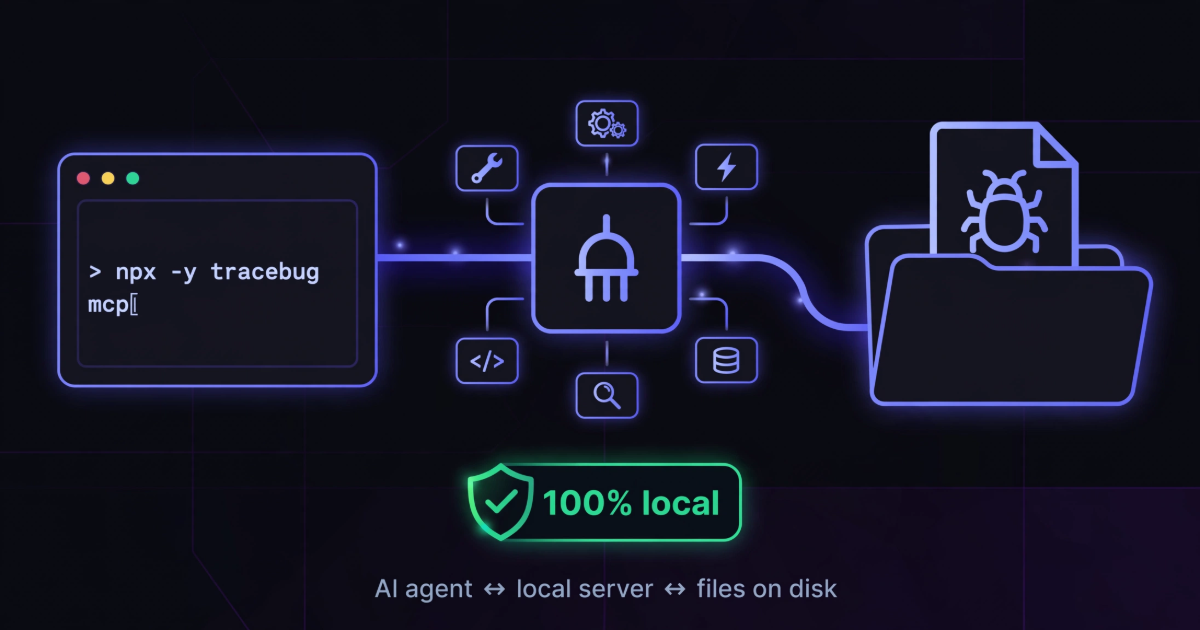
Most MCP explainers stop at the elevator pitch — "it's a standard way to give AI models tools" — and then show you a weather API. Accurate, but it doesn't tell you what MCP feels like when it's actually useful. Here's a concrete example you can run in one command, doing a job that's genuinely annoying without it: getting a browser bug's evidence into a coding agent.
The problem it solves
When a bug happens in a browser, the evidence is scattered: an error in the console, a failed request in the network tab, a sequence of clicks nobody wrote down. The usual way this reaches Claude or Cursor is you, copy-pasting fragments into chat — losing the stack trace's formatting, forgetting the request that failed, summarizing the steps from memory. The agent reasons about your paraphrase instead of the bug.
TraceBug captures all of that into a single .html file on your disk. The MCP server is the missing bridge: it lets the agent read those files itself.
What the server actually is
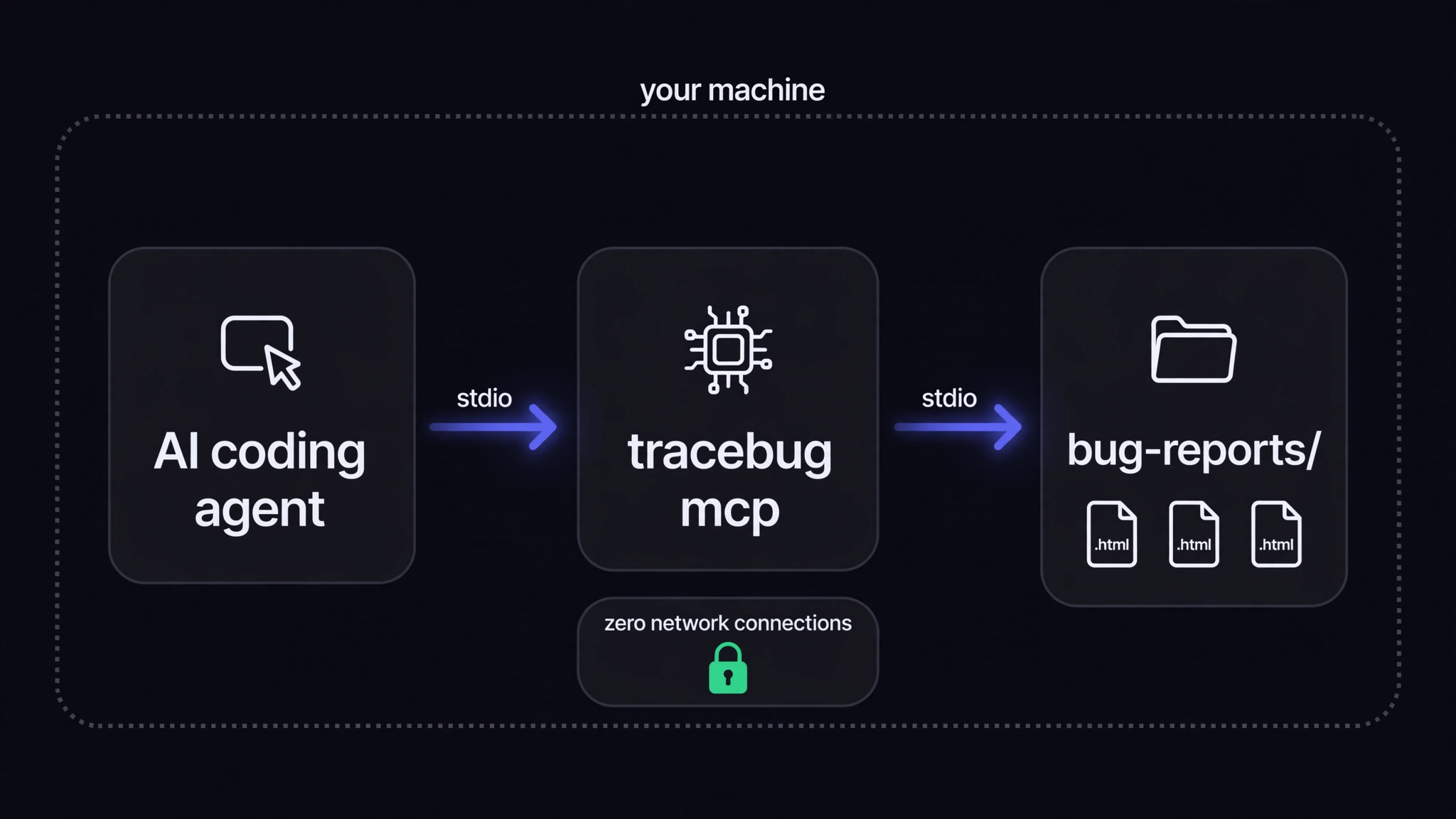
One process, launched by your agent, speaking MCP over stdio:
npx -y tracebug mcp
There's no daemon, no port, no account, and — worth saying explicitly — no network. The server opens zero connections; it reads report files from your disk and answers the agent through stdin/stdout. When the agent session ends, the process dies. By default it auto-discovers exports in your Downloads and Desktop folders; --dir ./bug-reports pins it to a project folder instead.
The tools the agent gets
Six read-only tools. list_bug_reports finds every export and returns titles and summaries. get_bug_report returns one report's full evidence along with a prioritized investigation guide — which errors to look at first, which requests failed. Then get_console_errors, get_network_activity, get_repro_steps, and get_screenshot let it drill into each stream. Read-only matters: the agent can investigate anything and break nothing.
What it looks like in practice
We published the unedited transcript of a real session: Claude starts knowing only that a report exists somewhere, calls list_bug_reports, pulls the report, reads the console errors and the network log, and lands on the root cause — a coupon code missing from a lookup object, crashing a .discount property read — in five tool calls. Nobody explained the bug to it. The evidence was enough.
Hook it into your agent
Each tool wants the config in a slightly different place, so there's a short page per tool: Claude Code (one CLI command), Cursor (a JSON file in .cursor/), and Windsurf (Cascade's MCP config). All three boil down to "run npx -y tracebug mcp for me."
If you're building your own MCP server
Steal the shape, not the code: local files in, read-only tools out is the friendliest first MCP pattern there is. No auth to design, no side effects to fear, no state to corrupt — and the agent gets superpowers over data it previously couldn't see at all. The hard part of agent context isn't transport, it's having evidence worth reading. Capture that well and the MCP part is almost boring.