7 Jam.dev alternatives for bug reporting in 2026 (an honest comparison)
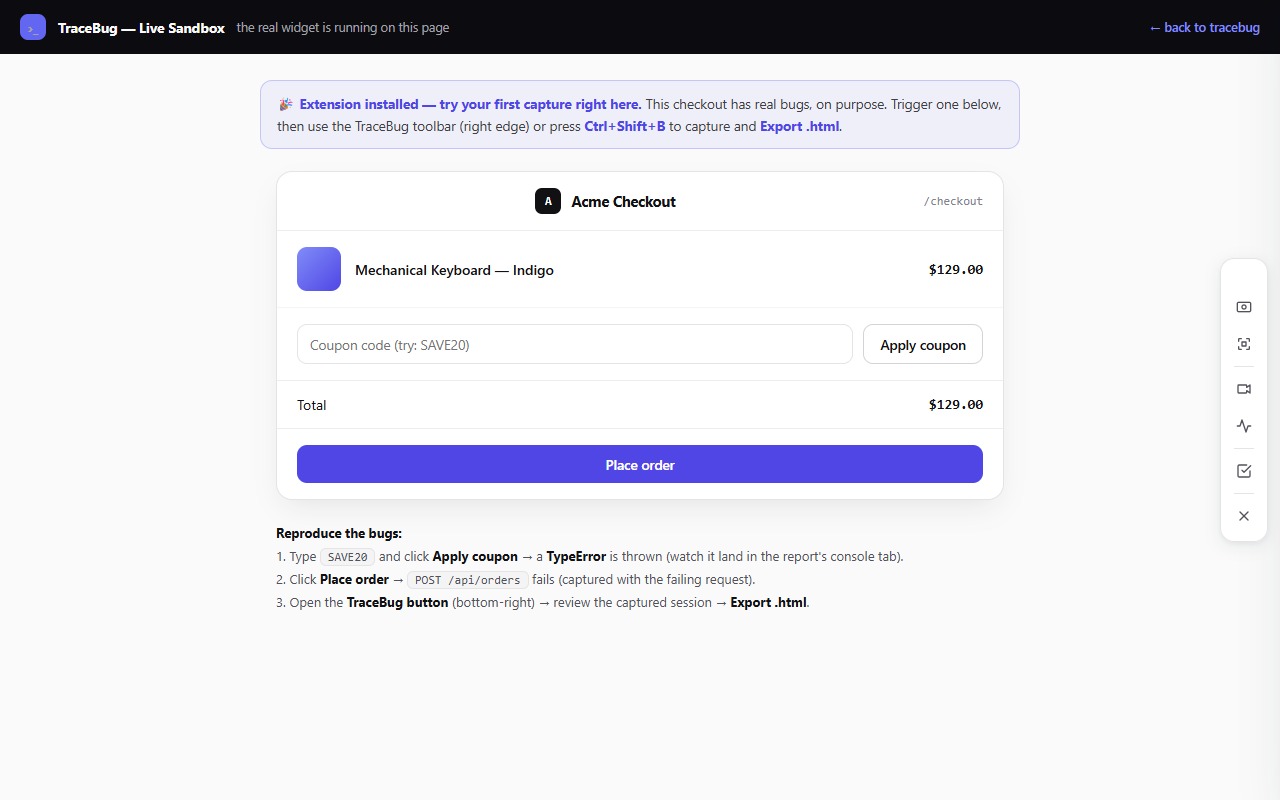
Full disclosure before anything else: I build TraceBug, which appears on this list. I'll declare the bias, keep the claims checkable, and tell you when a competitor is genuinely the better pick — because recommending the wrong tool to keep you on my site would be a bad trade for both of us.
Jam.dev earned its popularity honestly. One click, and a bug report with console, network, and a replay lands in a shareable link. If you're evaluating alternatives, it's usually for one of four reasons: price (per-seat cloud tools add up), privacy (your bug captures contain your app's data, and they're on someone else's servers), workflow fit (you want the bug to land in front of an AI coding agent, not a dashboard), or audience (your reporters are clients, not QA engineers). Different reasons point at different tools — so instead of a feature table that flattens everything, here's what each tool is actually *for*.
1. TraceBug — when the bug's next stop is an AI coding agent
Mine, so judge accordingly. TraceBug captures the same evidence class as Jam — DOM replay, console errors, network requests, screenshots, screen recording — but packages it as one self-contained .html file on your machine instead of a cloud link. No account, no upload, no telemetry.
The reason it exists: the bug report's most important reader in 2026 often isn't a human. TraceBug ships a local MCP server (npx tracebug mcp) so Claude Code, Cursor, or Windsurf can read the full report — replay included — and start fixing. Every report also embeds a generated failing Playwright test that goes green when the bug is actually fixed.
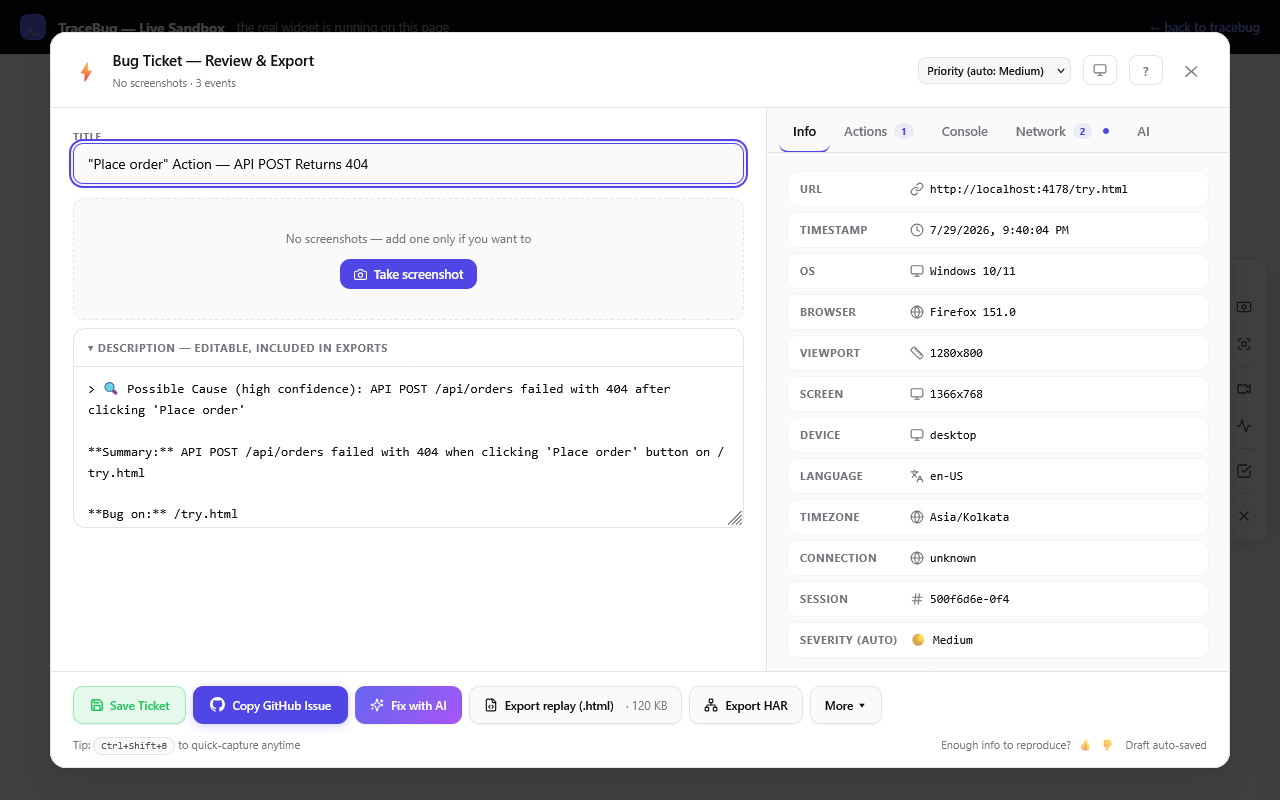
Pick TraceBug when: you (or your team) debug with AI agents, you can't ship session data to a third-party cloud, or you want the whole workflow free and open source (MIT). Pick something else when: you need hosted team links and cross-device history today — TraceBug's reports are files you share yourself. (Full comparison →)
2. BetterBugs — when you want Jam's model with more capture knobs
BetterBugs is the closest like-for-like Jam alternative: browser extension, cloud workspace, console + network + replay attached to every report, Slack and Jira routing. Its capture options are discoverable and QA-friendly, and teams that live in a shared workspace get exactly that.
Pick BetterBugs when: you want the Jam workflow with a different price/feature mix and a hosted team space. Pick something else when: privacy or local-first matters — captures live in their cloud, and sharing needs an account. (TraceBug vs BetterBugs →)
3. Bird Eats Bug — when instant replay for non-engineers is the point
Bird Eats Bug pioneered the "your recording already includes the technical data" pitch, and it's still excellent at it. Support and success teams who'd never open DevTools produce reports engineers can act on.
Pick Bird when: your reporters are non-technical and a hosted link is how your org shares. Pick something else when: you want the evidence to stay local, or you want the report to feed an agent + a failing test rather than a viewer. (TraceBug vs Bird Eats Bug →)
4. Marker.io — when your reporters are clients, not colleagues
Marker.io is really a client-feedback router for agencies: reviewers annotate the live site, feedback lands in your PM tool, and status updates flow back to the reporter without them ever seeing Jira. That two-way loop is the product, and nothing else here does it as well.
Pick Marker.io when: agencies + client review cycles describe your life. Pick something else when: you need deep technical evidence — an annotated screenshot won't tell your developer (or your agent) which request failed. (TraceBug vs Marker.io →)
5. BugHerd — when feedback should be pinned to the page like sticky notes
BugHerd's model is spatial: reporters click the broken element, the note pins to it, and everything flows into a kanban board. For visual QA on websites — especially with guest reporters — it's delightfully simple.
Pick BugHerd when: the task board *is* your triage process and reporters are non-technical. Pick something else when: the bug is behavioral rather than visual — you'll want the console and network story, not a pin. (TraceBug vs BugHerd →)
6. Userback — when you're collecting feedback, not just bugs
Userback has grown into a full feedback platform: surveys, feature requests, roadmaps, portals where end users track what they asked for. Bug capture is one feature among many.
Pick Userback when: you want one place for *all* user sentiment, of which bugs are a slice. Pick something else when: you specifically need developer-grade bug evidence — that's a different job. (TraceBug vs Userback →)
7. Replay.io — when the bug is so gnarly you need time travel
Replay.io is the deepest tool on this list and the least comparable: it records the entire JavaScript runtime, so you can inspect any variable at any point in time, after the fact. For the once-a-quarter impossible bug, nothing else comes close.
Pick Replay.io when: you're a developer chasing a non-reproducible runtime bug and you're willing to record in their browser. Pick something else when: you need everyday, twenty-second captures QA can do on any site. (TraceBug vs Replay.io →)
The one question that picks your tool
Ask where the bug report's journey ends:
- In a PM tool, reported by clients → Marker.io or BugHerd
- In a team dashboard, shared by link → Jam, BetterBugs, or Bird Eats Bug
- In a feedback backlog next to feature requests → Userback
- In a time-travel debugging session → Replay.io
- In front of a developer or an AI coding agent, with everything needed to fix it → TraceBug
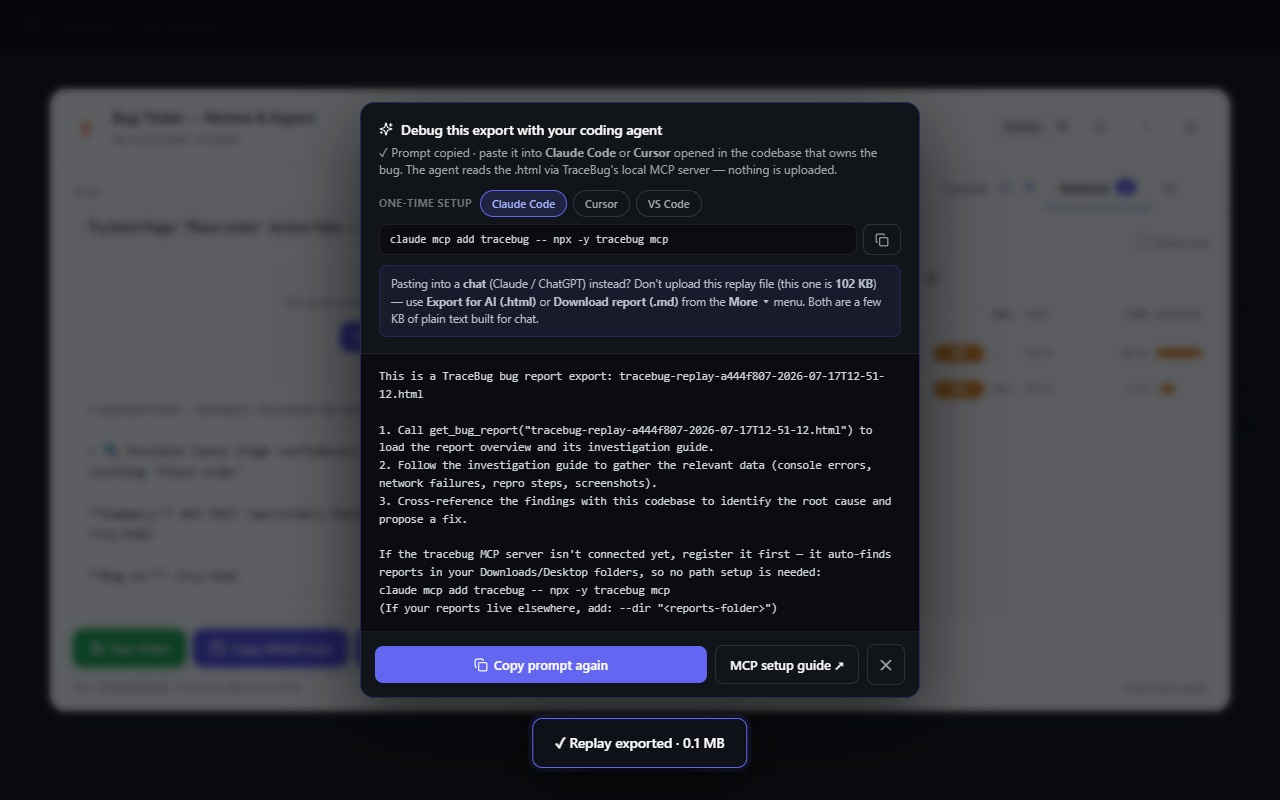
If that last line is you, the fastest way to check is not this article: try the live sandbox — a page with intentional bugs and the real widget running. Capture one, export the .html, and drop it in front of your agent. The whole loop takes under two minutes, costs nothing, and nothing you capture leaves your machine.