How to report bugs to Cursor so it fixes them on the first try
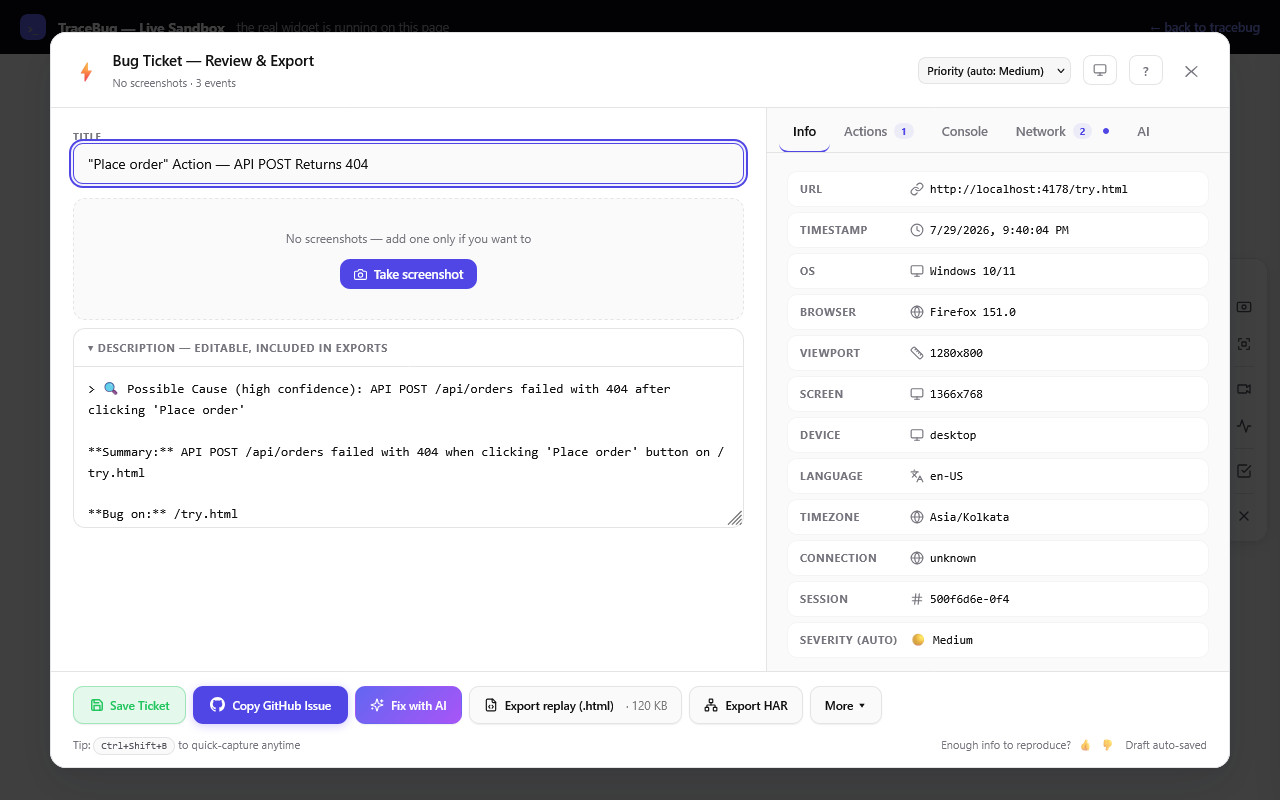
Cursor has read your entire repo. It knows your components, your API routes, your naming conventions. And the moment a browser bug appears, all of that goes to waste — because the one thing Cursor *can't* read is what just happened in your browser.
So the session starts like this: *"the checkout button is broken."* Cursor, blind, does the only thing it can: pattern-matches on your code. It finds three plausible suspects, rewrites one, and asks you to try again. It's not hallucinating out of malice — it's debugging with no evidence, which is what we'd call guessing if a human did it.
The first message decides the whole session
There's a sharp asymmetry in agent debugging sessions: context added in the first message is worth five times the same context added in message six. By message six, the agent has already committed to a theory and generated code around it. Front-load the evidence and the theory forms around reality instead.
For a browser bug, the first message needs five things — the same five a human debugger checks first:
- the console error, as text, with the stack
- the network request that failed, with its response body
- the exact click/input sequence that triggered it
- what the DOM actually showed
- browser, URL, and route
The manual version
Paste this shape into Cursor and watch the difference:
Bug: clicking "Place order" does nothing on /checkout

Steps: logged in → added item → applied coupon "SAVE20" → clicked Place order
Console: TypeError: Cannot read properties of undefined (reading 'status')
         at OrderSummary (OrderSummary.tsx:42)
Network: POST /api/orders → 404 (response: {"error":"route not found"})
Env: Chrome 150, /checkout?step=payment, viewport 1280x800
With that, Cursor doesn't grep-and-guess. It goes to OrderSummary.tsx:42, sees the code expects a response the 404 never delivered, and fixes both the missing route handling and the unguarded property access. First try. The evidence did the aiming; the agent did the coding.
The one-click version
Assembling that block by hand takes ten minutes you won't spend when it's the fourth bug of the day. TraceBug (disclosure: I build it) captures all five evidence types automatically — DOM replay, console, network, action timeline, environment — into one local .html file, and hands it to Cursor through a local MCP server:
Add to .cursor/mcp.json:
{"mcpServers":{"tracebug":{"command":"npx","args":["-y","tracebug","mcp"]}}}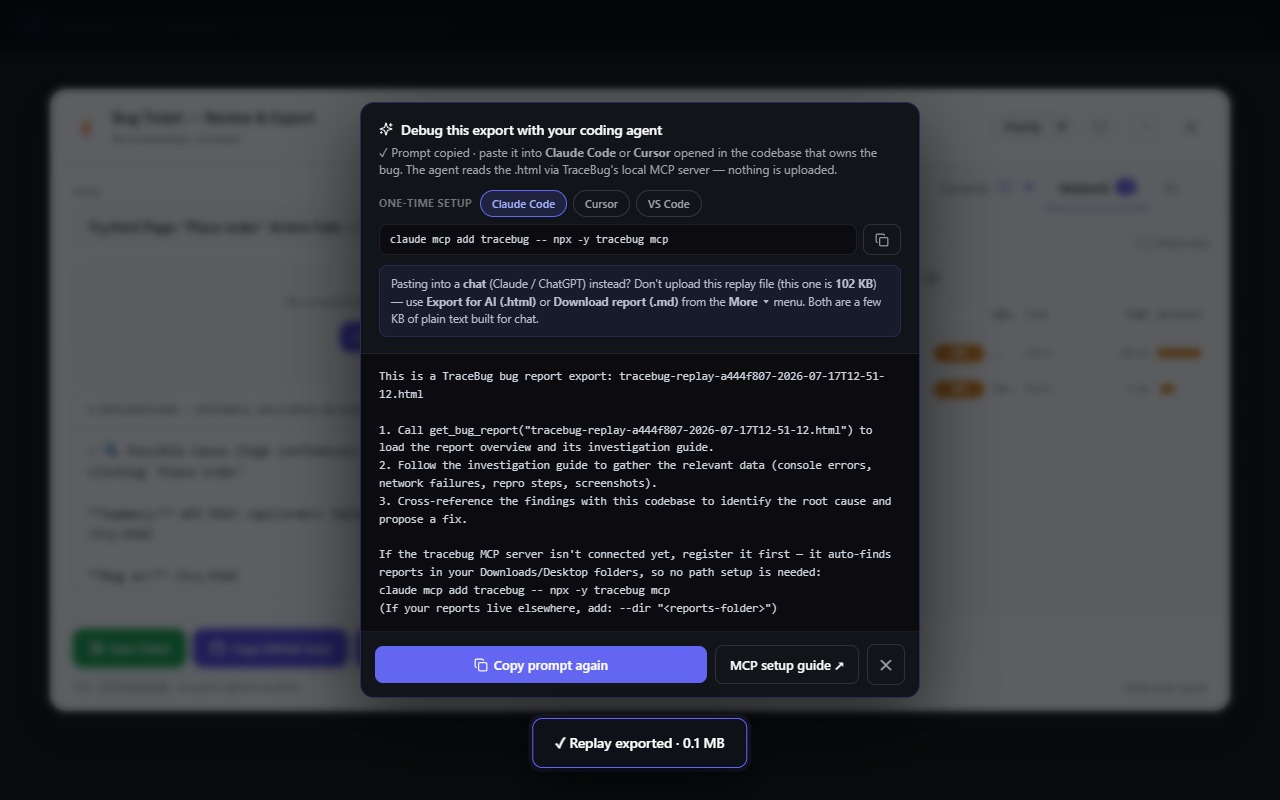
From then on the workflow is: capture the bug → export → paste the generated one-line prompt into Cursor. The agent calls get_bug_report and get_fix_context itself and reads the *actual* evidence — not your summary of it. Nothing uploads anywhere; the MCP server reads the file from your own disk.
Two extras that specifically suit Cursor's strengths: the report resolves minified stack frames through your source maps when available, so the agent lands on real files and lines — and it embeds a generated failing Playwright test, so Cursor can prove the fix instead of asserting it.
Try it on a real bug
The live sandbox has intentional bugs and the real capture widget. Break the checkout, capture it, hand the file to Cursor, and compare the session to your last "the button is broken" conversation. More on the general pattern: how to give Claude Code full browser context — everything there applies to Cursor identically.