6 BetterBugs alternatives for bug capture in 2026 (picked by workflow, not features)
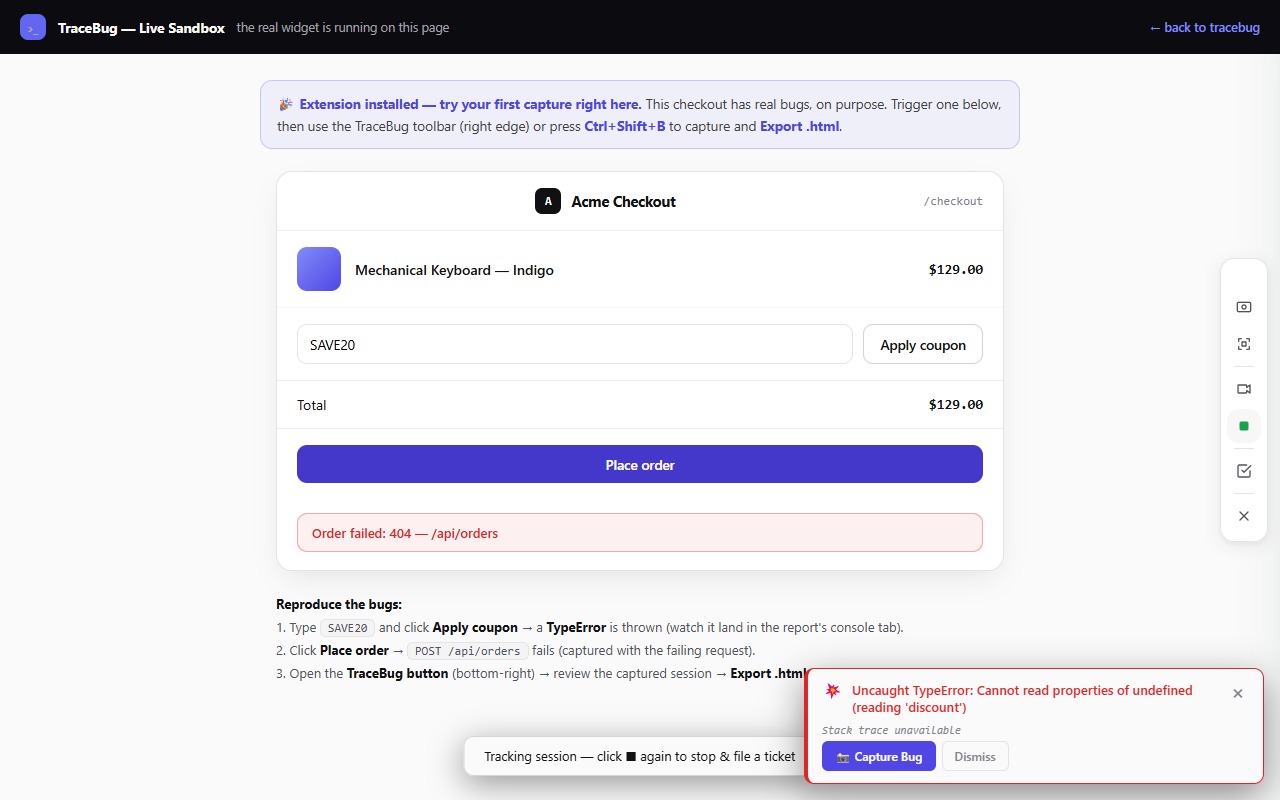
Disclosure first: I build TraceBug, which is on this list. Bias declared; claims kept checkable; each tool gets an honest "pick it when."
BetterBugs sits in the same family as Jam.dev: a browser extension that captures screenshots and recordings with console and network logs attached, feeding a cloud workspace with Slack and Jira routing. If it's not quite fitting, the useful question isn't "what has more features" — it's where do your bug reports end up? Different destinations, different winners.
1. Jam.dev — the category's default
The most polished version of the capture-to-cloud-link workflow, with a mature extension and broad integrations. If you're leaving BetterBugs but staying in the same model — hosted links, team workspace — Jam is the obvious candidate. Trade-offs are the model's, not the product's: captures live in their cloud, and the free tier has limits. (I've written a full tour of the Jam alternatives here.)
Pick Jam when: you want the smoothest hosted capture-and-share loop.
2. TraceBug — when the report's destination is an AI coding agent
Mine. Same evidence class — DOM replay, console, network, screenshots, screen recording — but the output is one self-contained .html file on your machine, not a cloud link. No account, no upload, free and open source (MIT).
The differentiators are about what happens *after* capture: a local MCP server lets Claude Code or Cursor read the report directly and start fixing, and every report embeds a generated failing Playwright test that proves the fix. If your bugs end up in front of an agent — or your compliance posture can't accept session data on third-party servers — this is the fit. If you need hosted team links today, it isn't (yet): reports are files you share yourself. (Full comparison →)
Pick TraceBug when: AI-agent debugging or local-first privacy is the point.
3. Bird Eats Bug — when non-engineers do the reporting
The friendliest capture flow for support and success teams: hit record, and the technical data rides along invisibly. Reports arrive as hosted links engineers can actually act on. Cloud-based, per-seat. (Comparison →)
Pick Bird when: your reporters would never open DevTools and hosted links are how your org shares.
4. Marker.io — when reporters are clients
A different job entirely: website feedback from *clients* routed into your PM tool, with status flowing back to them automatically. Agencies live on this loop. It won't give a developer (or an agent) deep technical evidence — that's not its job. (Comparison →)
Pick Marker.io when: agency + client review cycles describe your week.
5. BugHerd — when feedback belongs pinned to the page
Reporters click the broken element; the note pins to it; everything lands on a kanban board. Wonderfully simple for visual QA with guest reporters. Behavioral bugs — where the story is in the console and network — need a different tool. (Comparison →)
Pick BugHerd when: the task board is your triage process.
6. Userback — when bugs are one slice of all feedback
A full feedback platform — surveys, feature requests, roadmaps, user portals — where bug capture is one feature among many. If you want a single system for everything users tell you, that breadth is the appeal; if you want developer-grade bug evidence, it's the compromise. (Comparison →)
Pick Userback when: you're consolidating all user sentiment in one place.
The routing table
- Reports end in a hosted team workspace → Jam or Bird Eats Bug
- Reports come from clients into your PM tool → Marker.io or BugHerd
- Reports live next to feature requests and surveys → Userback
- Reports land in front of a developer or AI agent with everything needed to fix them → TraceBug
Whichever you pick, insist on one thing: the report must let its reader reproduce the bug on the first try. That property — not the logo on the tool — is what gets bugs fixed.